
Who WordPress is for
WordPress fits service businesses, professional firms, publishers, and multi-location brands that publish regularly and need structured templates…
Read more →WordPress platform
WordPress is the default operating system for content-heavy marketing sites: service pages, blogs, resource libraries, and team directories that need to grow without rebuilding the stack every year…

WordPress is the default operating system for content-heavy marketing sites: service pages, blogs, resource libraries, and team directories that need to grow without rebuilding the stack every year. 66sites uses WordPress when editorial flexibility and ownership matter more than a locked SaaS template — then we design, develop, harden, and improve the site under a monthly subscription instead of a launch-and-leave theme install.
What makes WordPress different from Shopify or Webflow is not “popularity.” It is the content model. You own the database, the templates, and the publishing workflow. That freedom also means plugin quality varies, hosting choices matter, and update discipline is non-negotiable. We treat those realities as architecture decisions, not surprises after go-live.
Our WordPress work sits inside the same 66sites model as every other platform we support: clear information architecture, conversion-minded design, maintainable development, and ongoing SEO iteration. We will recommend WordPress when it fits — and say so when Shopify, Webflow, or a custom stack would serve you better.
Practical website, conversion and SEO work tailored to how your buyers actually decide.
WordPress fits service businesses, professional firms, publishers, and multi-location brands that publish regularly and need structured templates…
Read more →
Open content model: custom post types, taxonomies, and fields shaped to your business — not forced into a SaaS collection schema.Editor-friendly…
Read more →
Plugin and theme quality varies widely; a fast launch can become slow, fragile debt within months.Security and updates are your (or your agency’s)…
Read more →A look at website designs and layouts we build for service businesses — mockups and project types, not fabricated client claims.
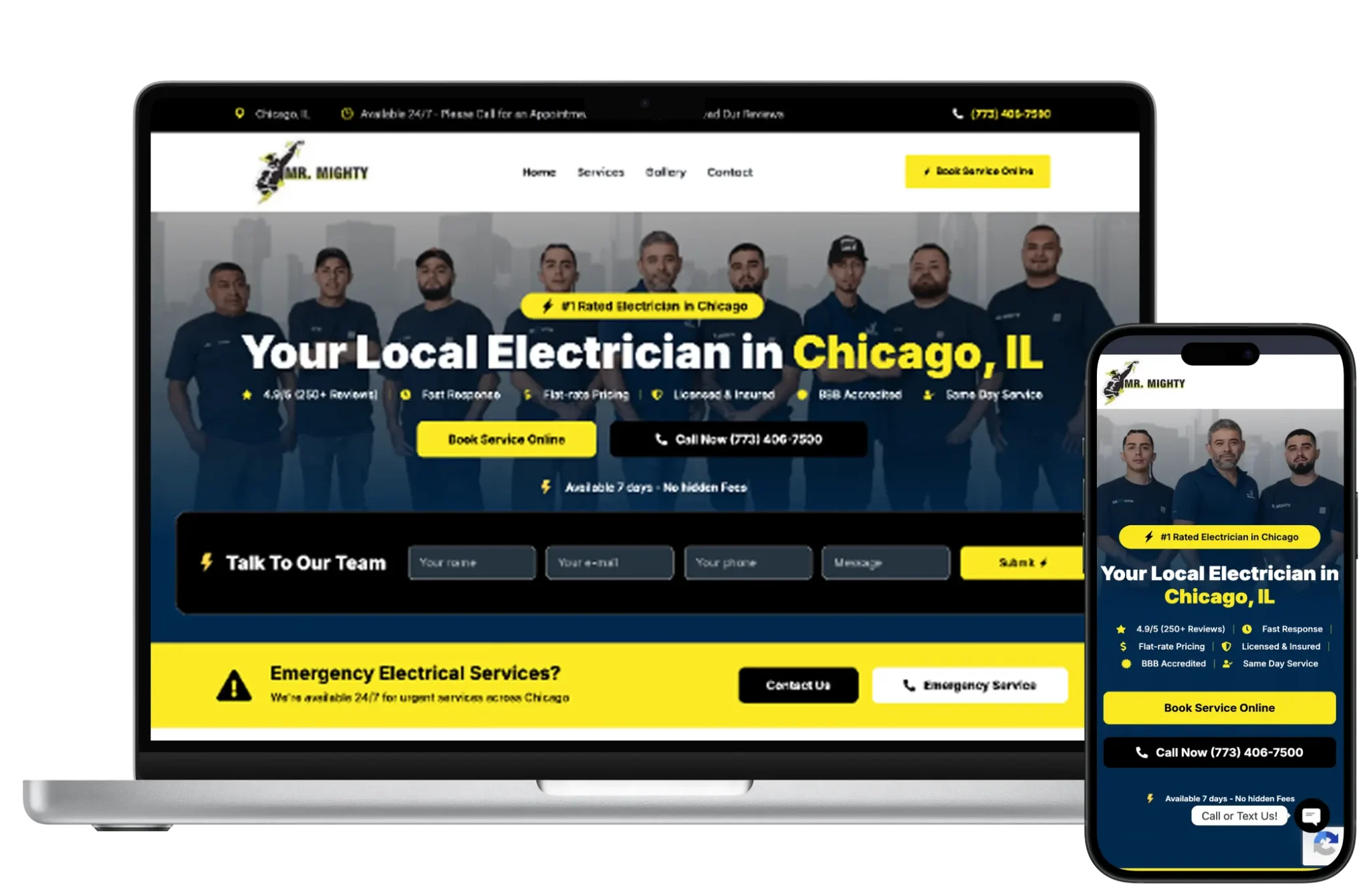
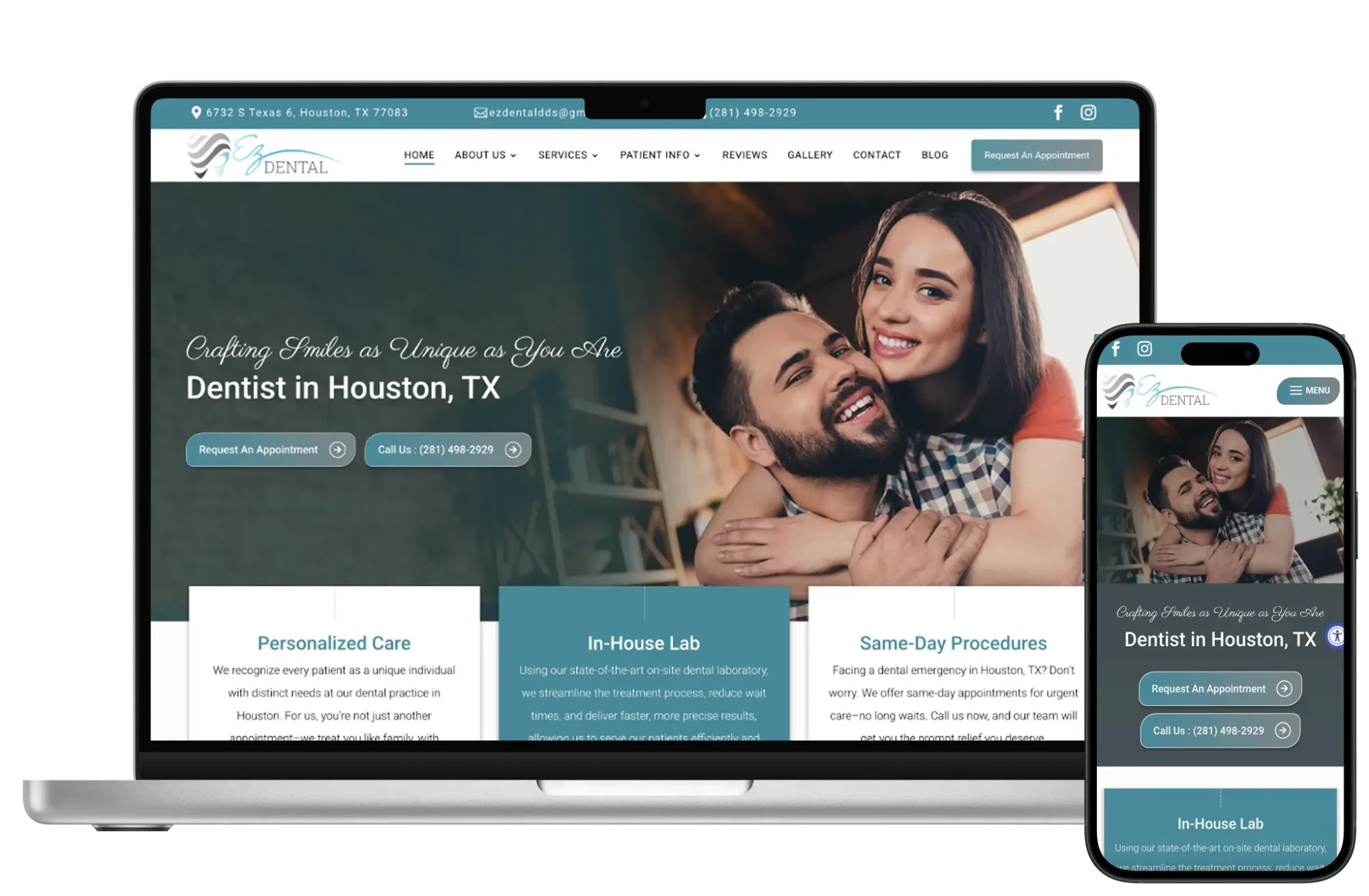
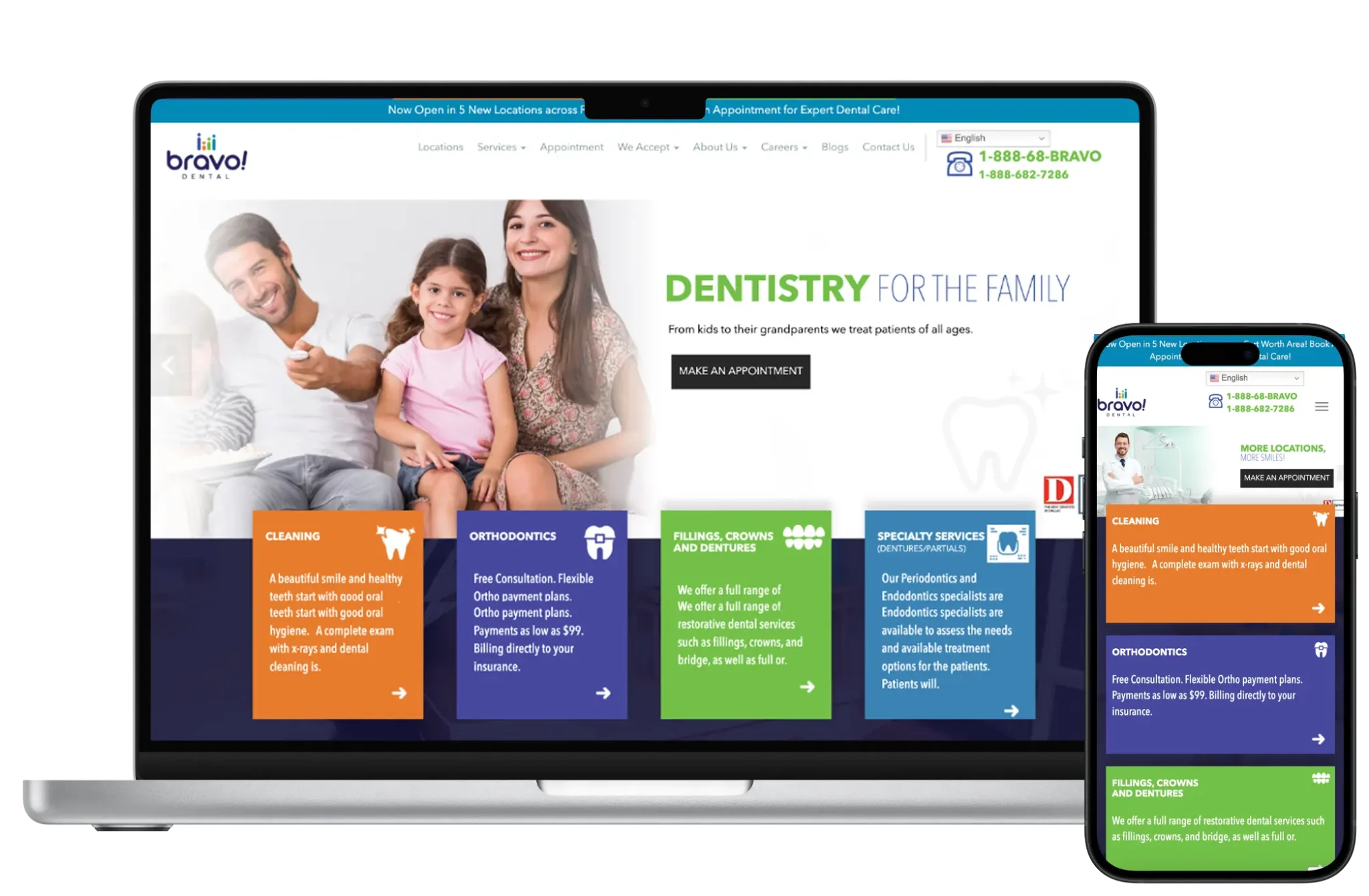
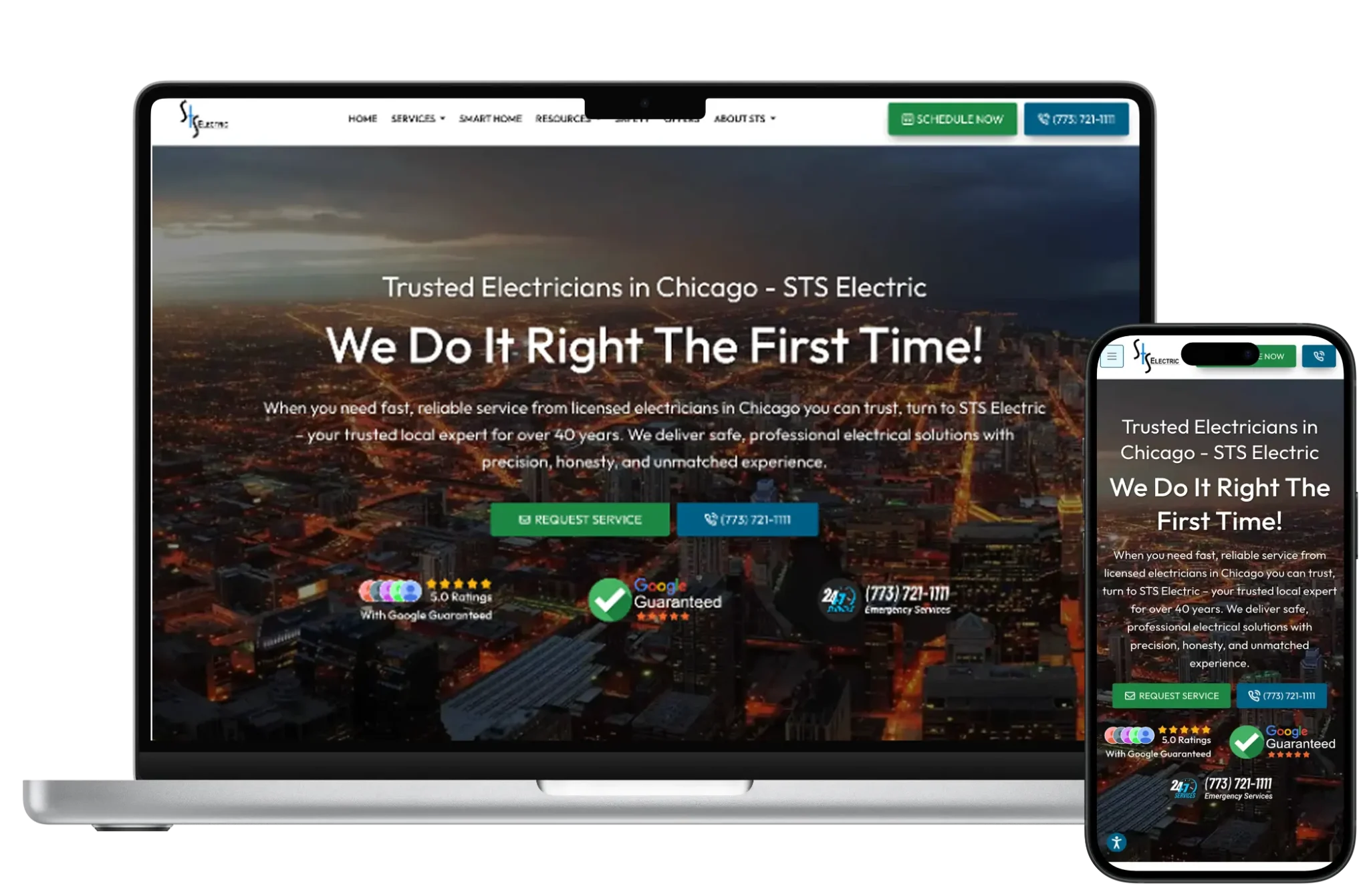
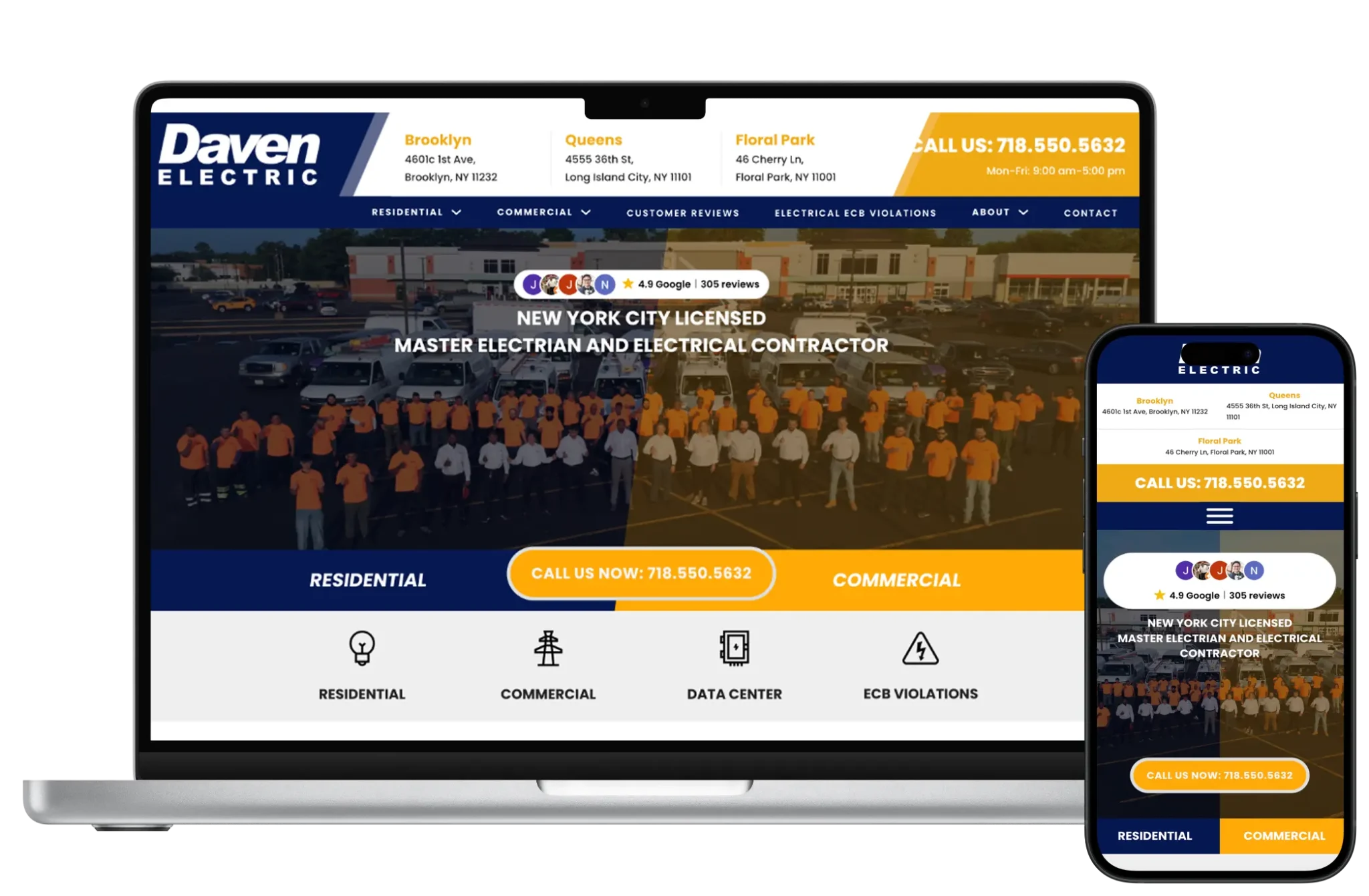
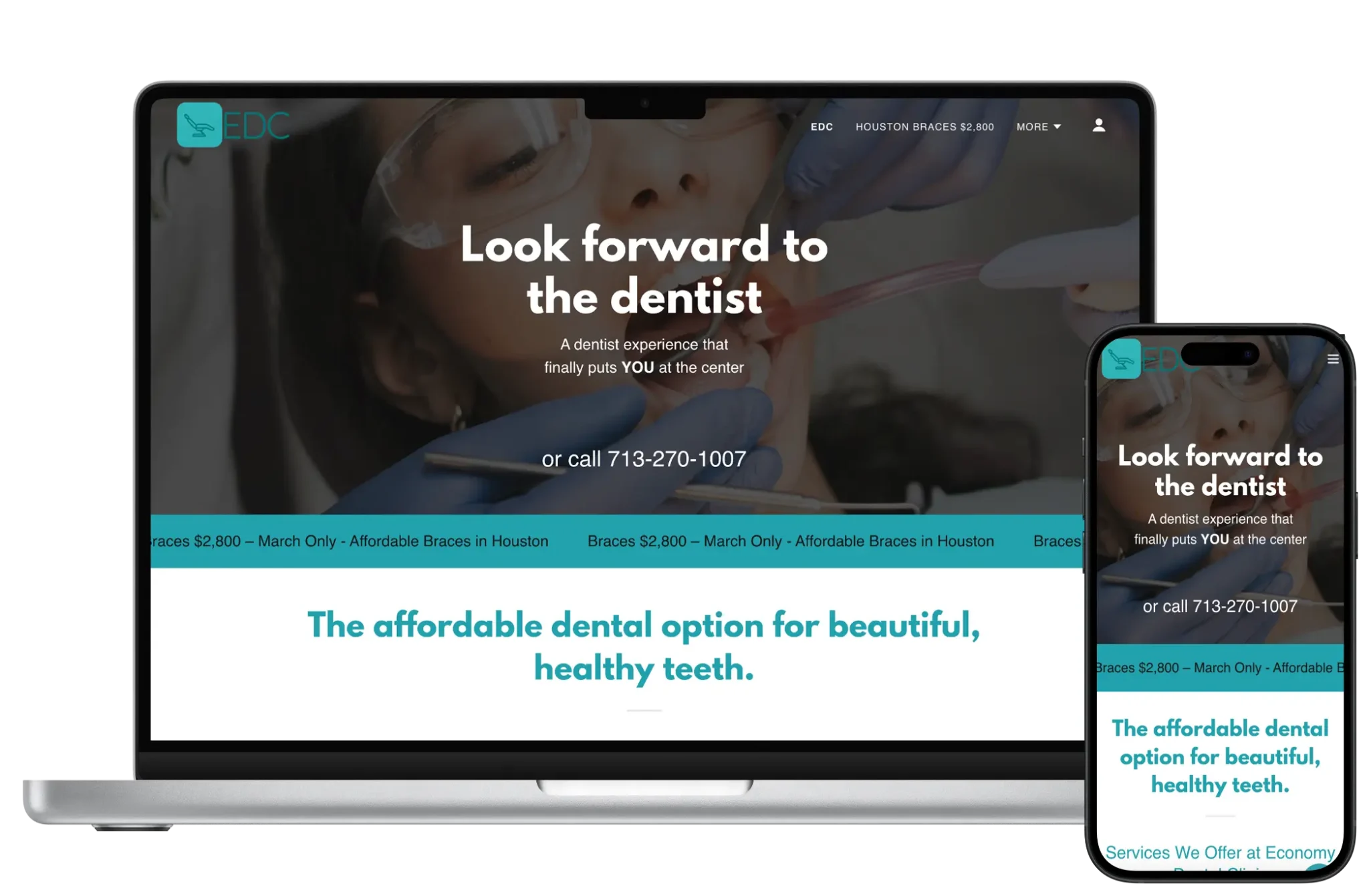
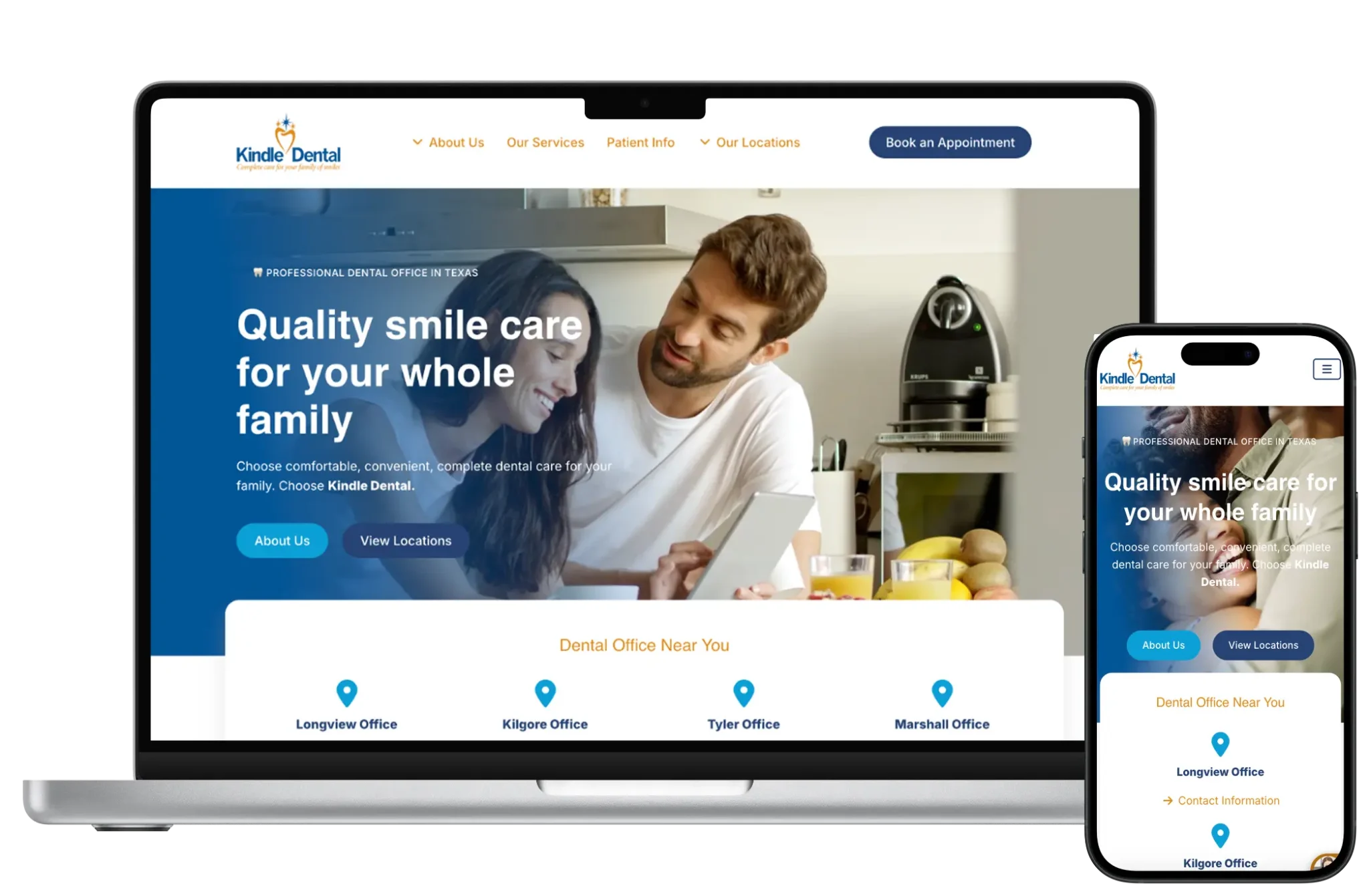
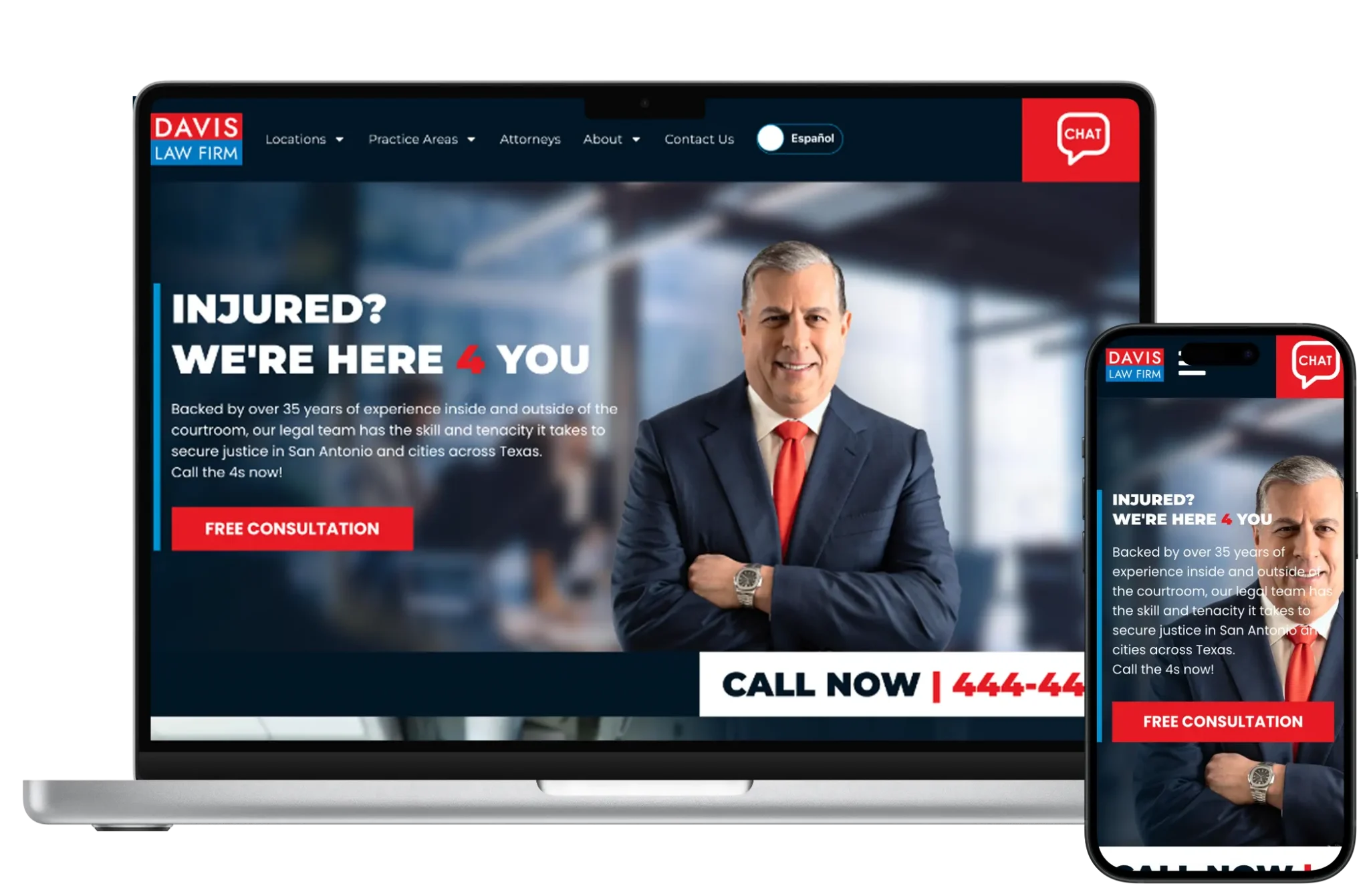
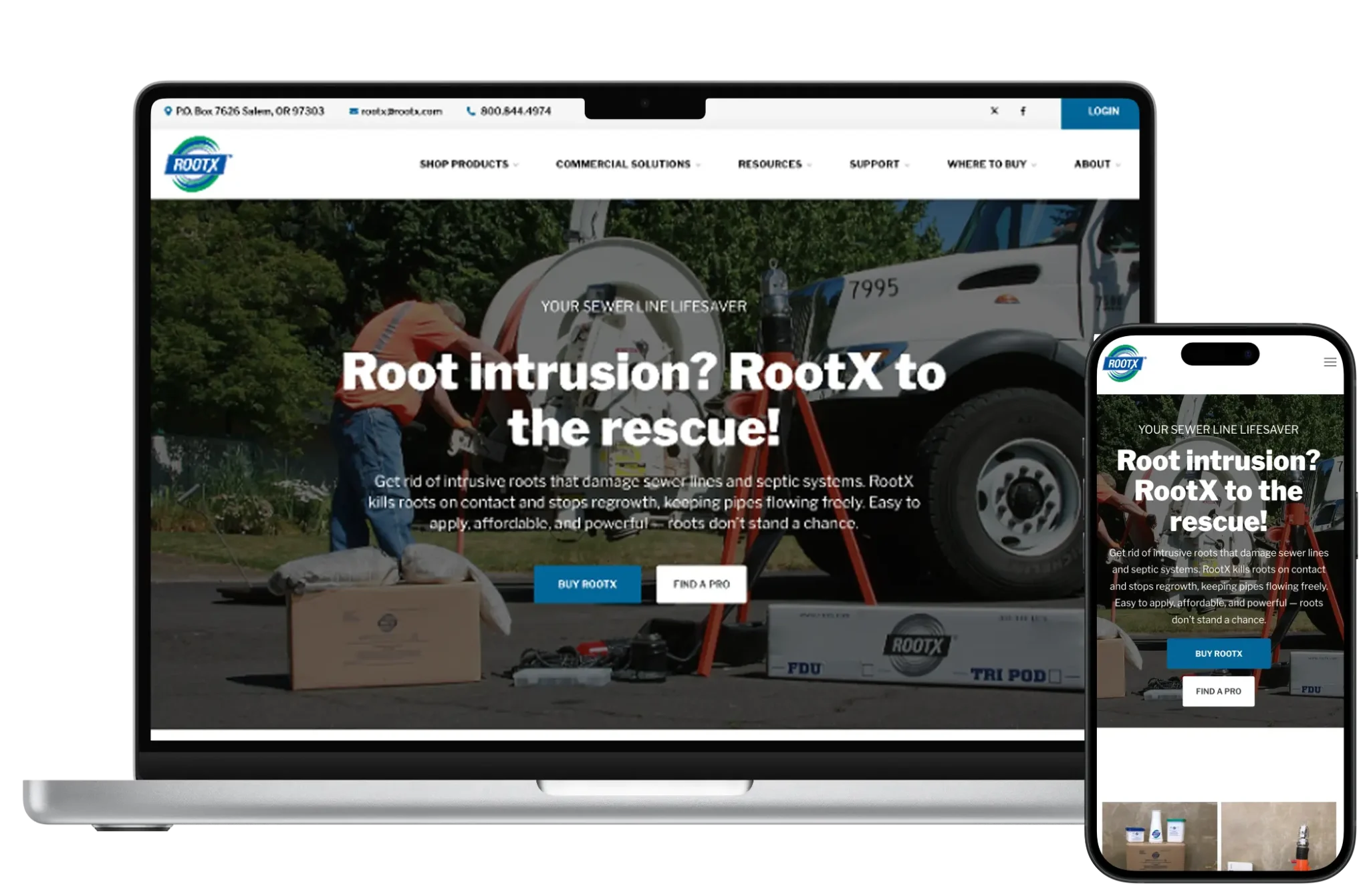
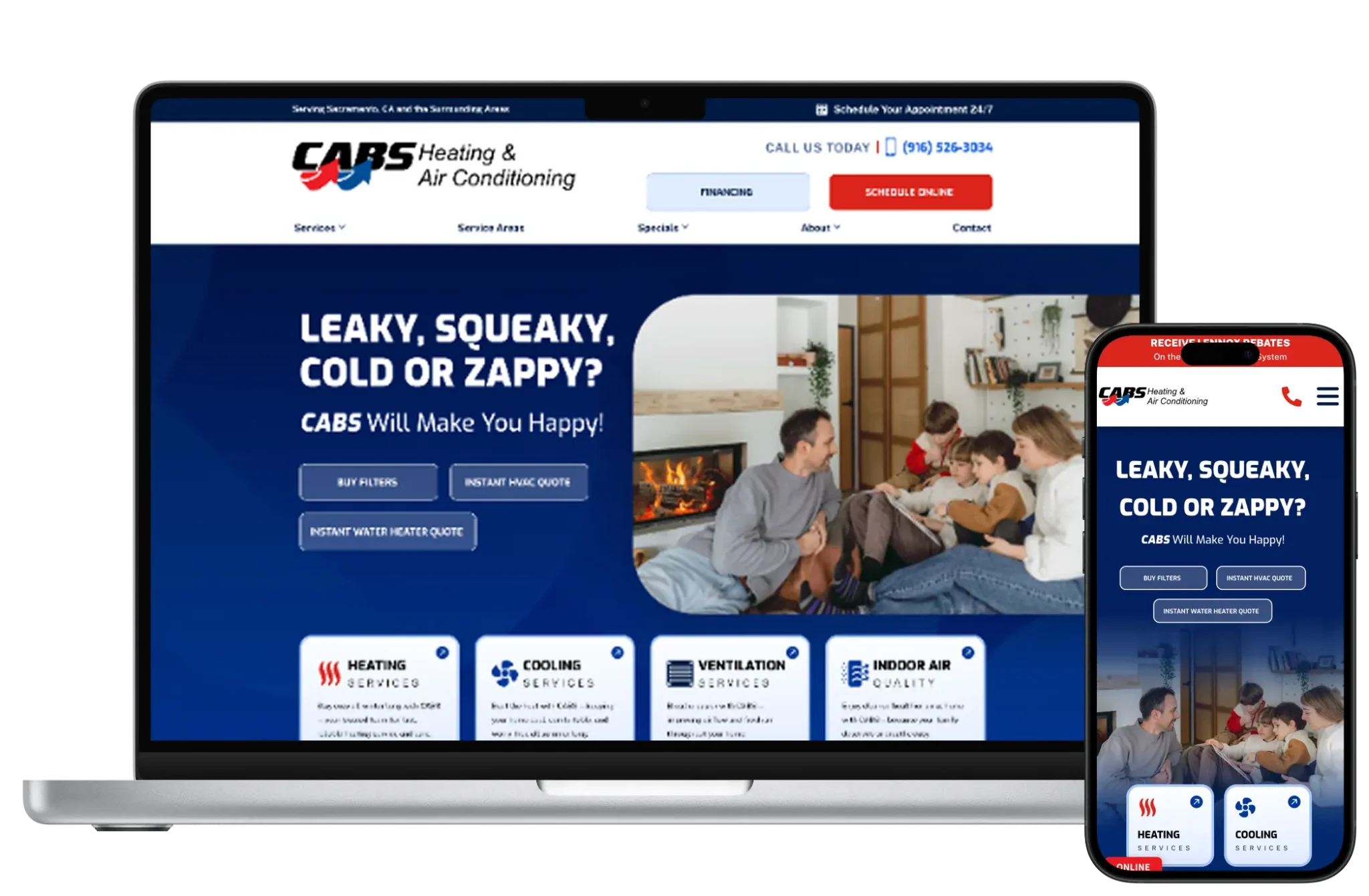
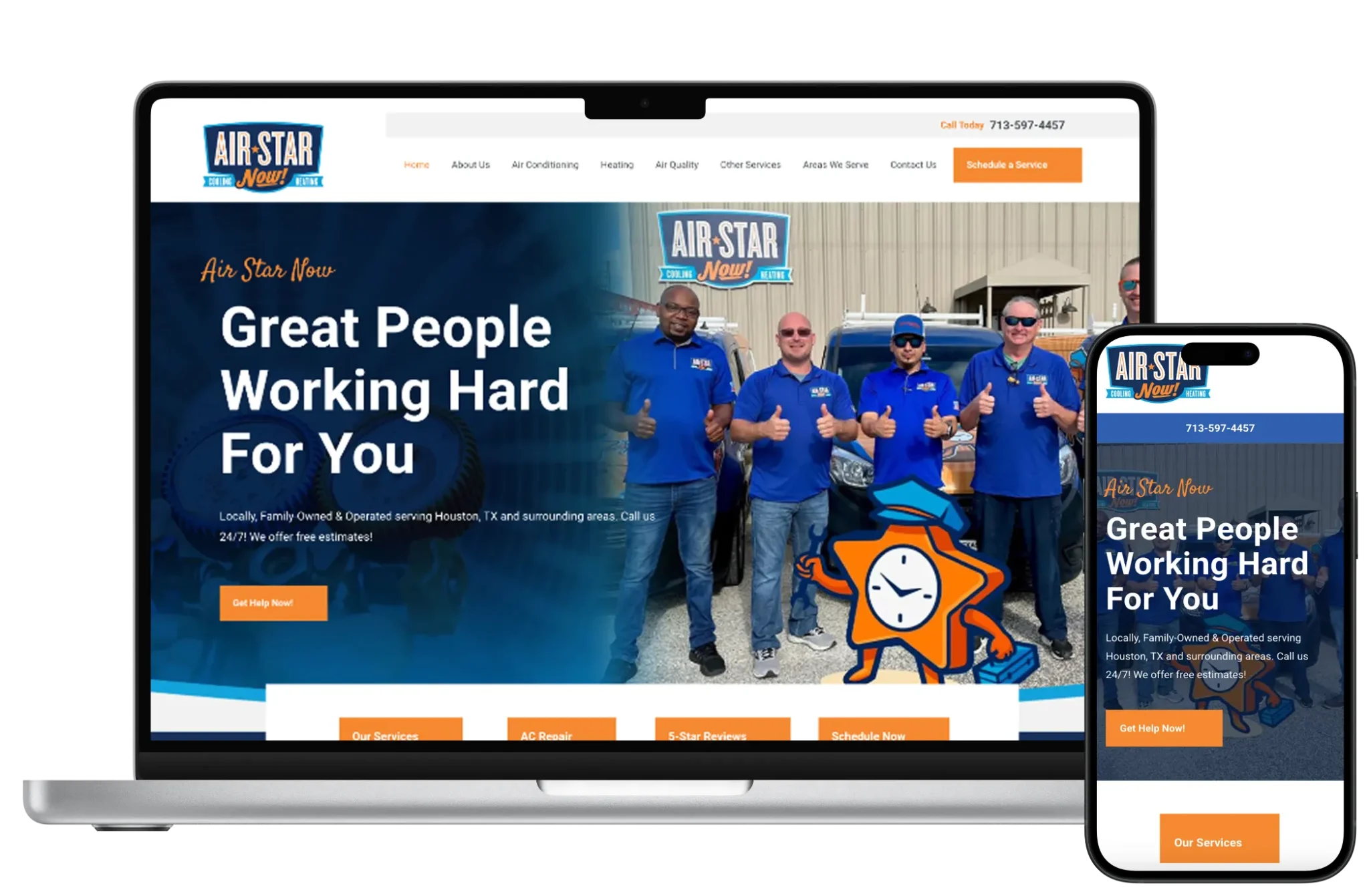
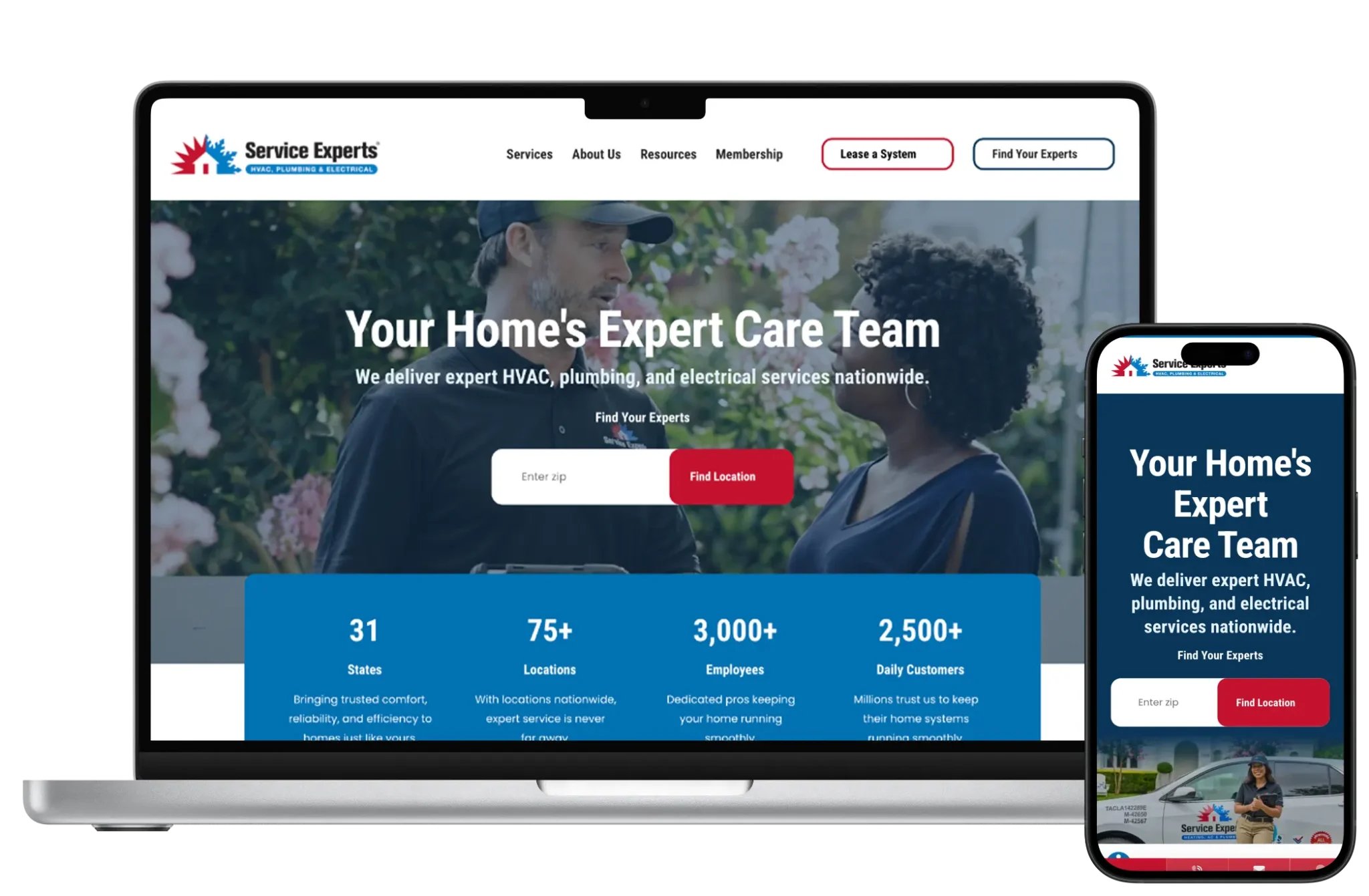
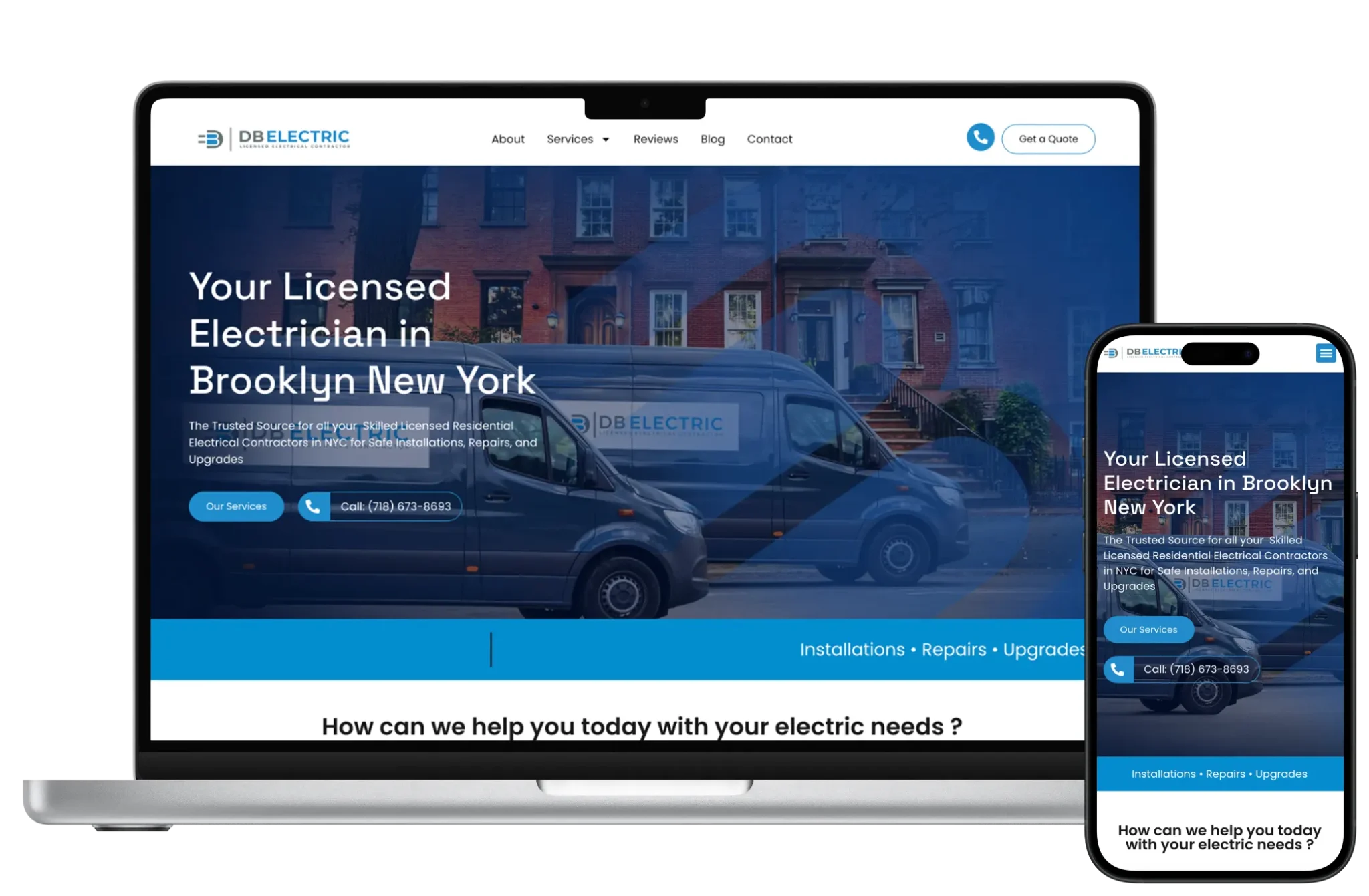
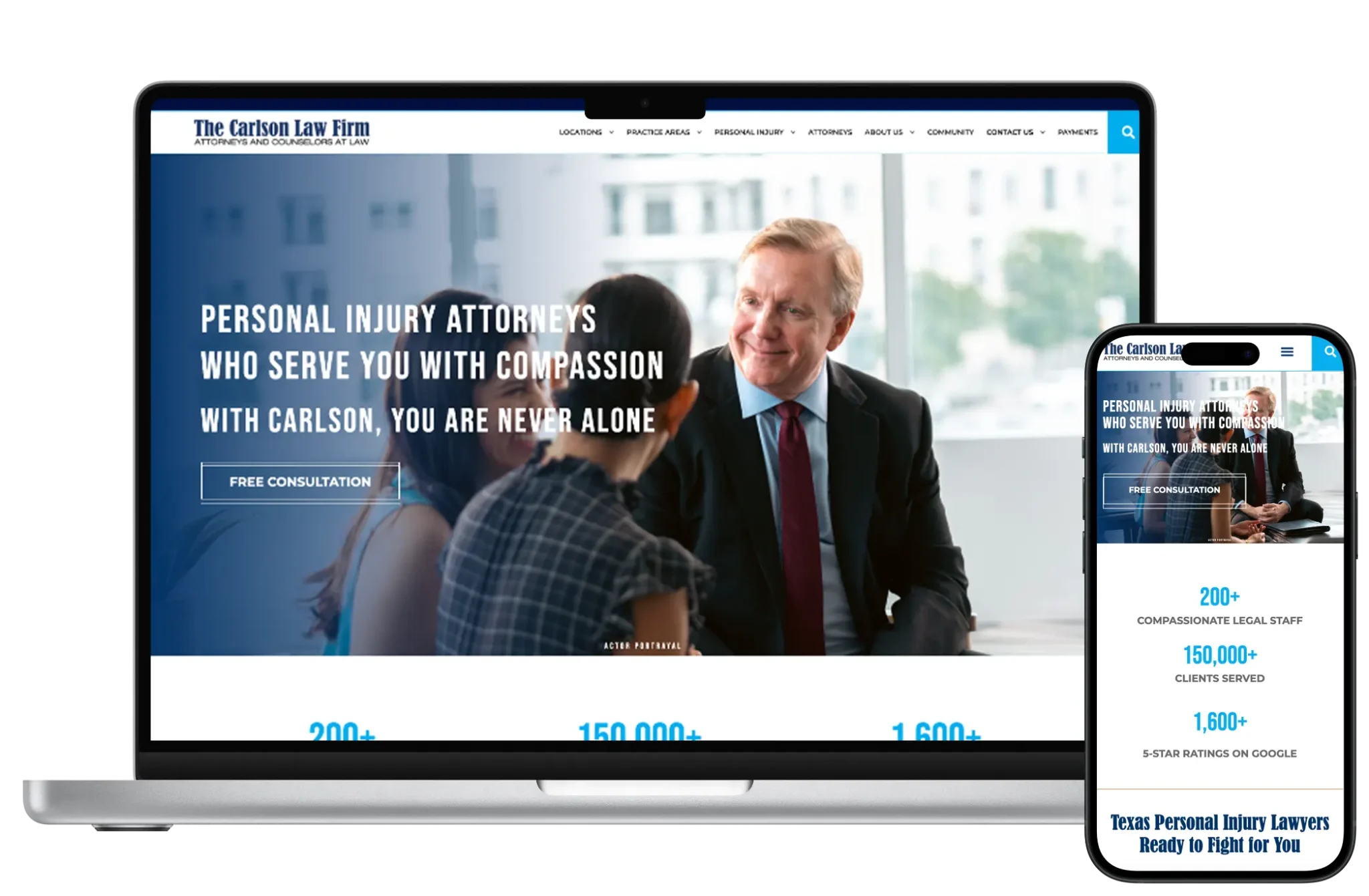
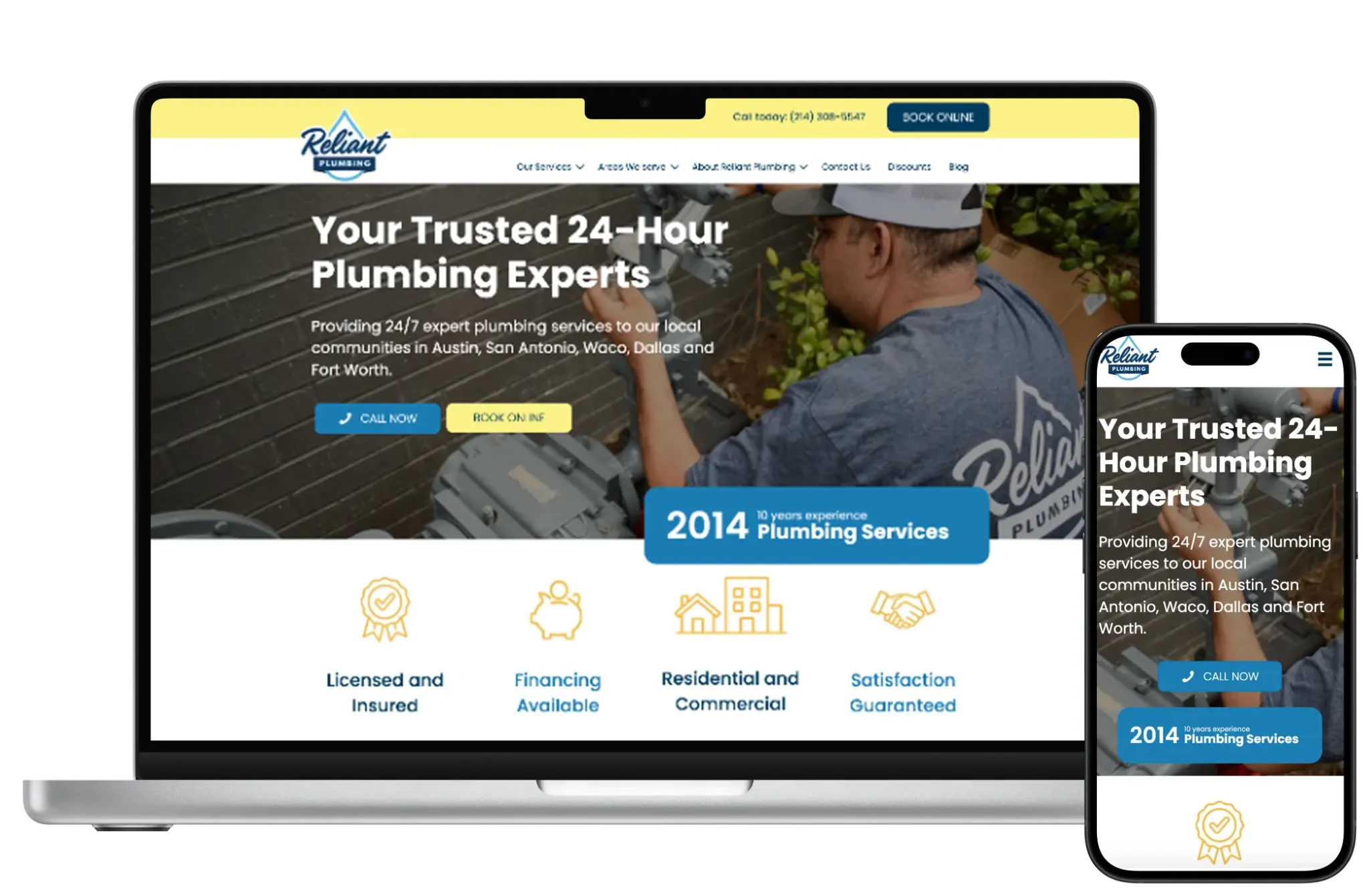
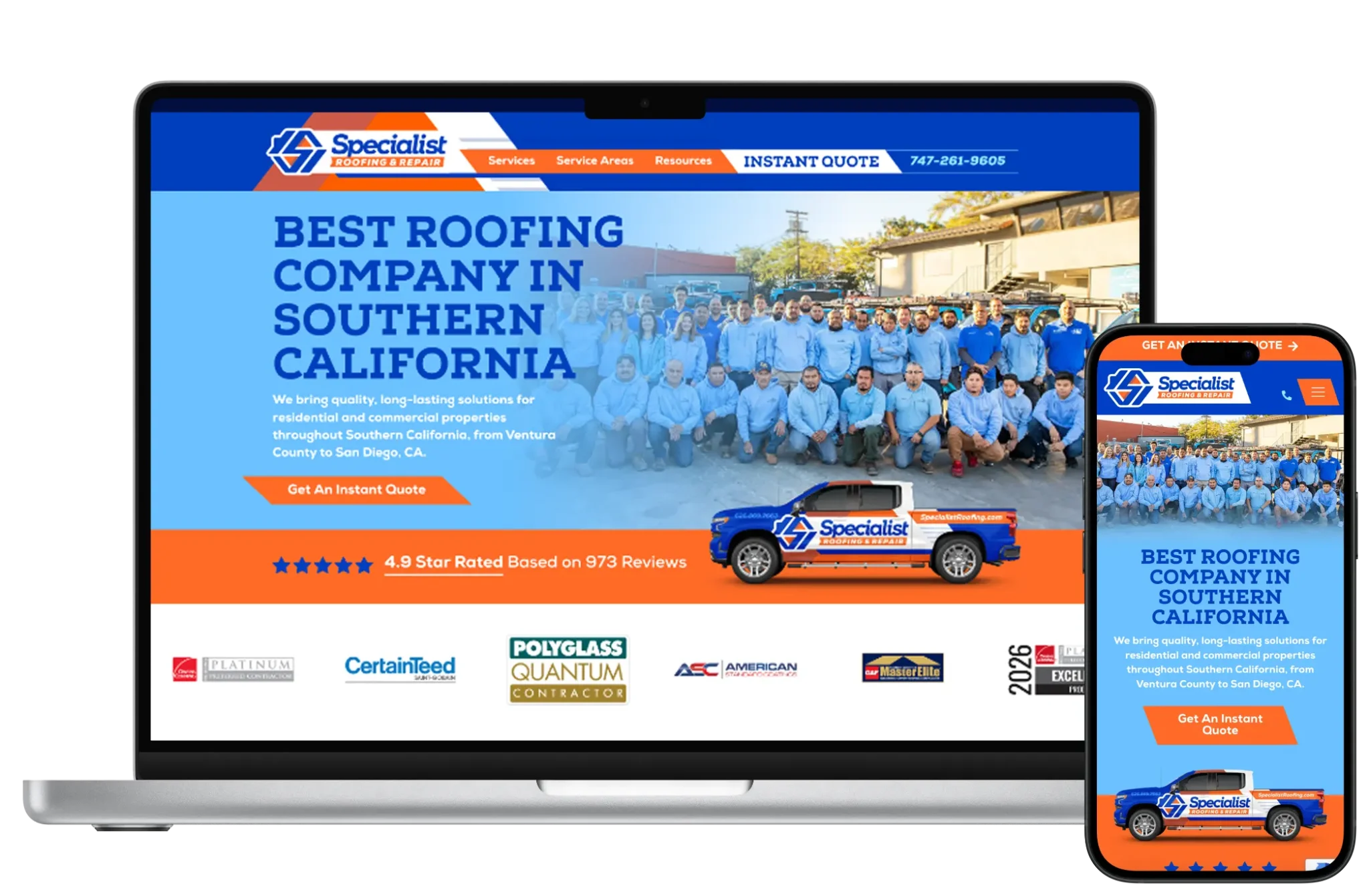
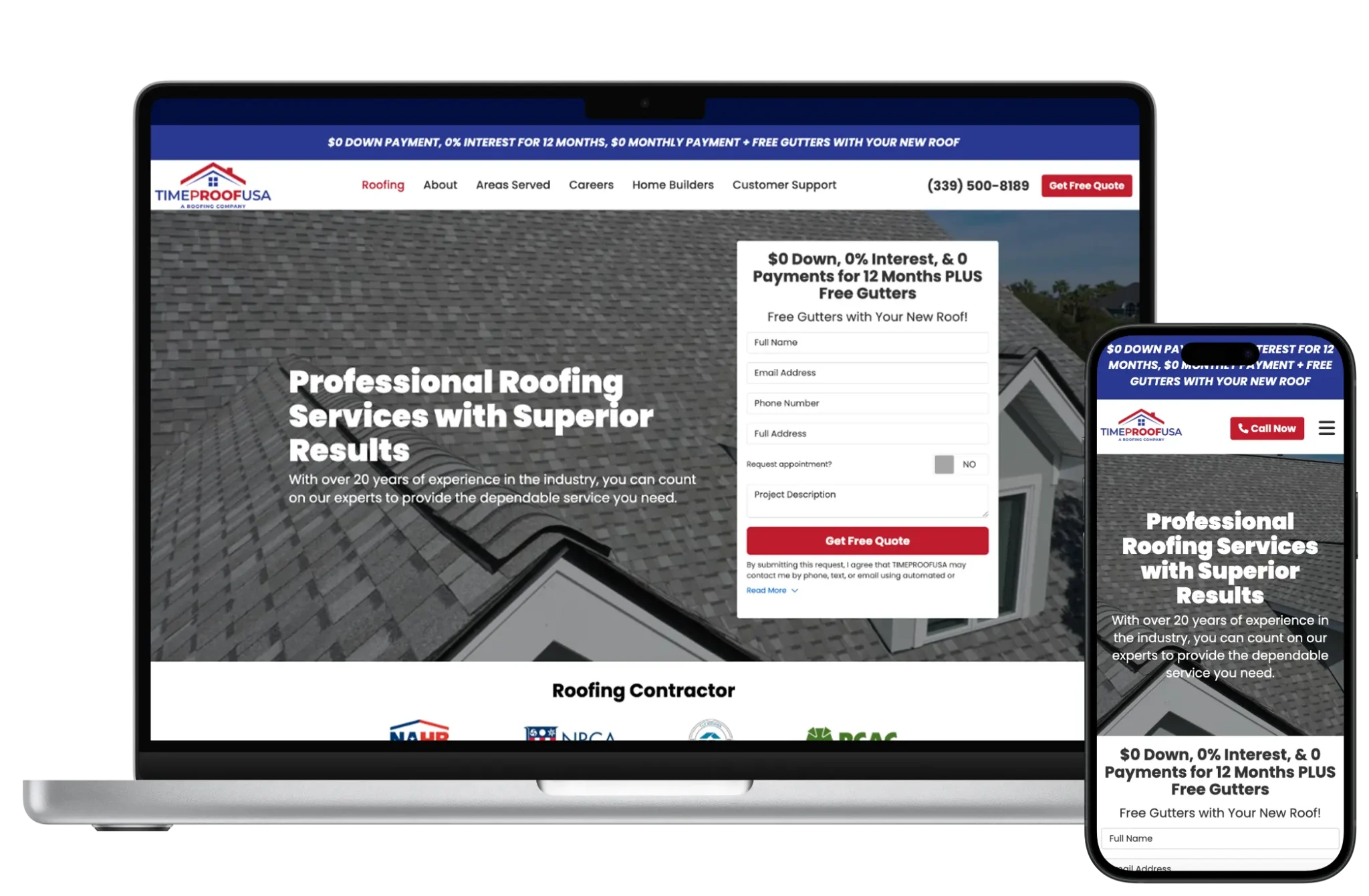
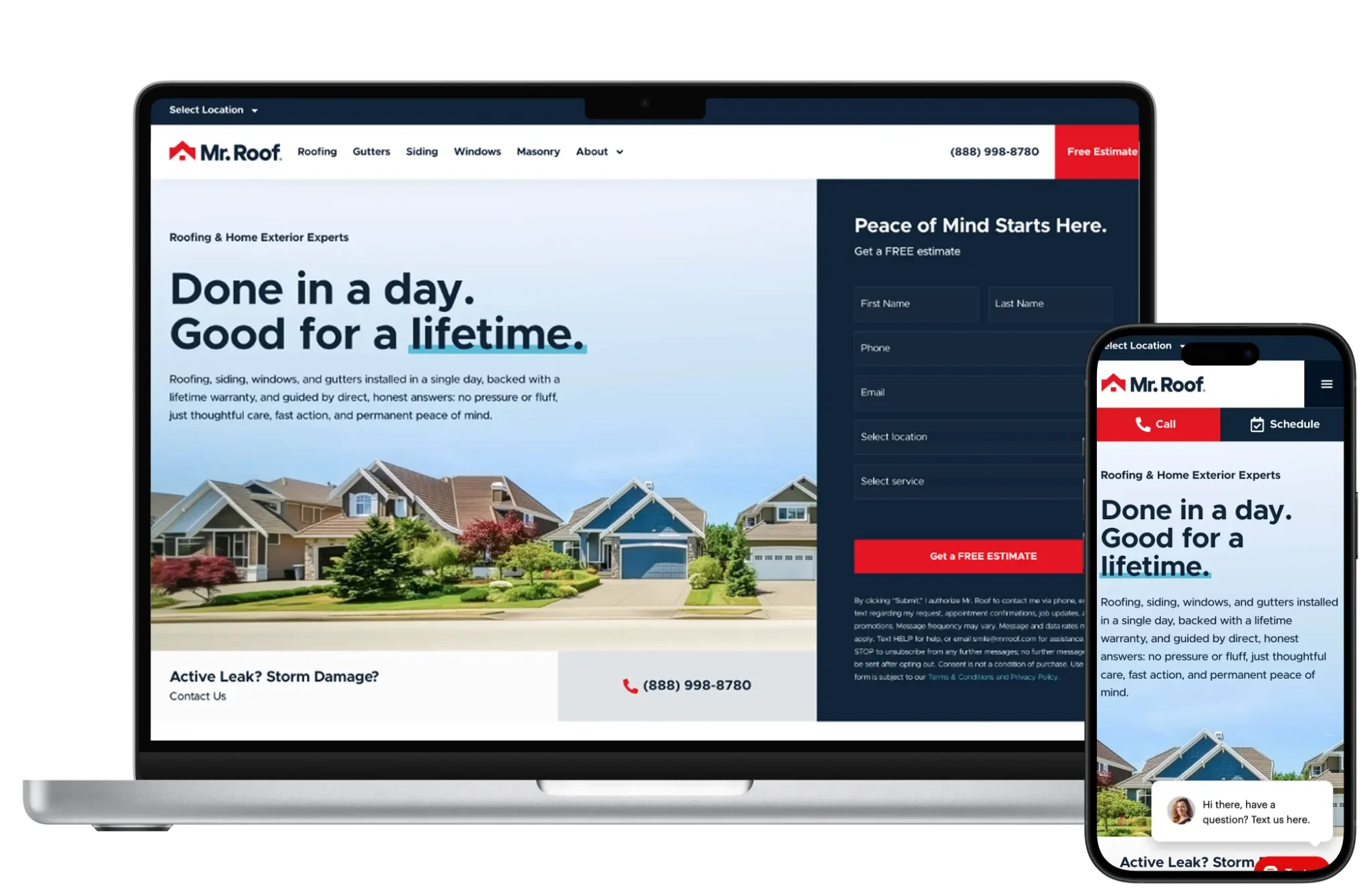
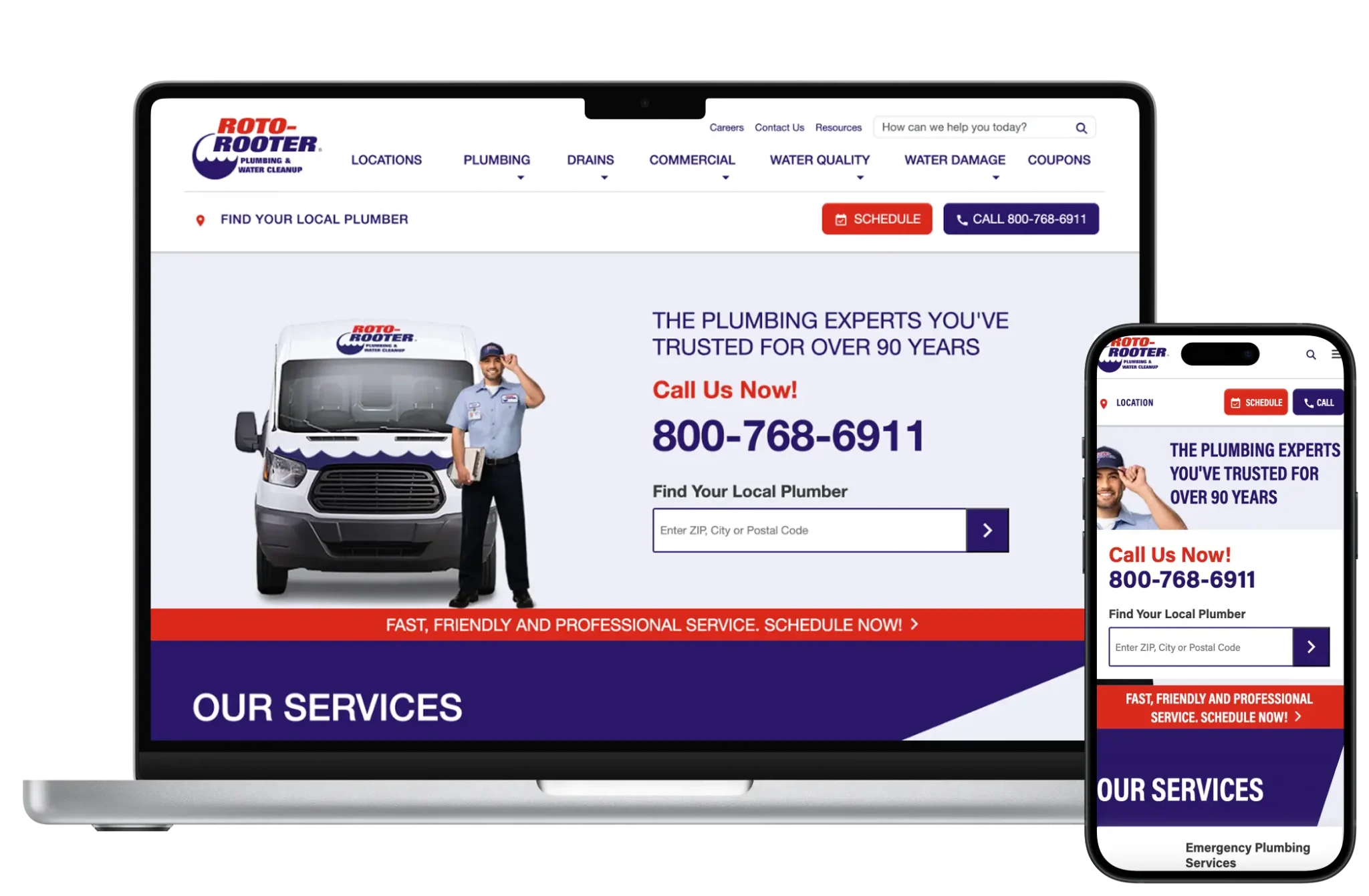
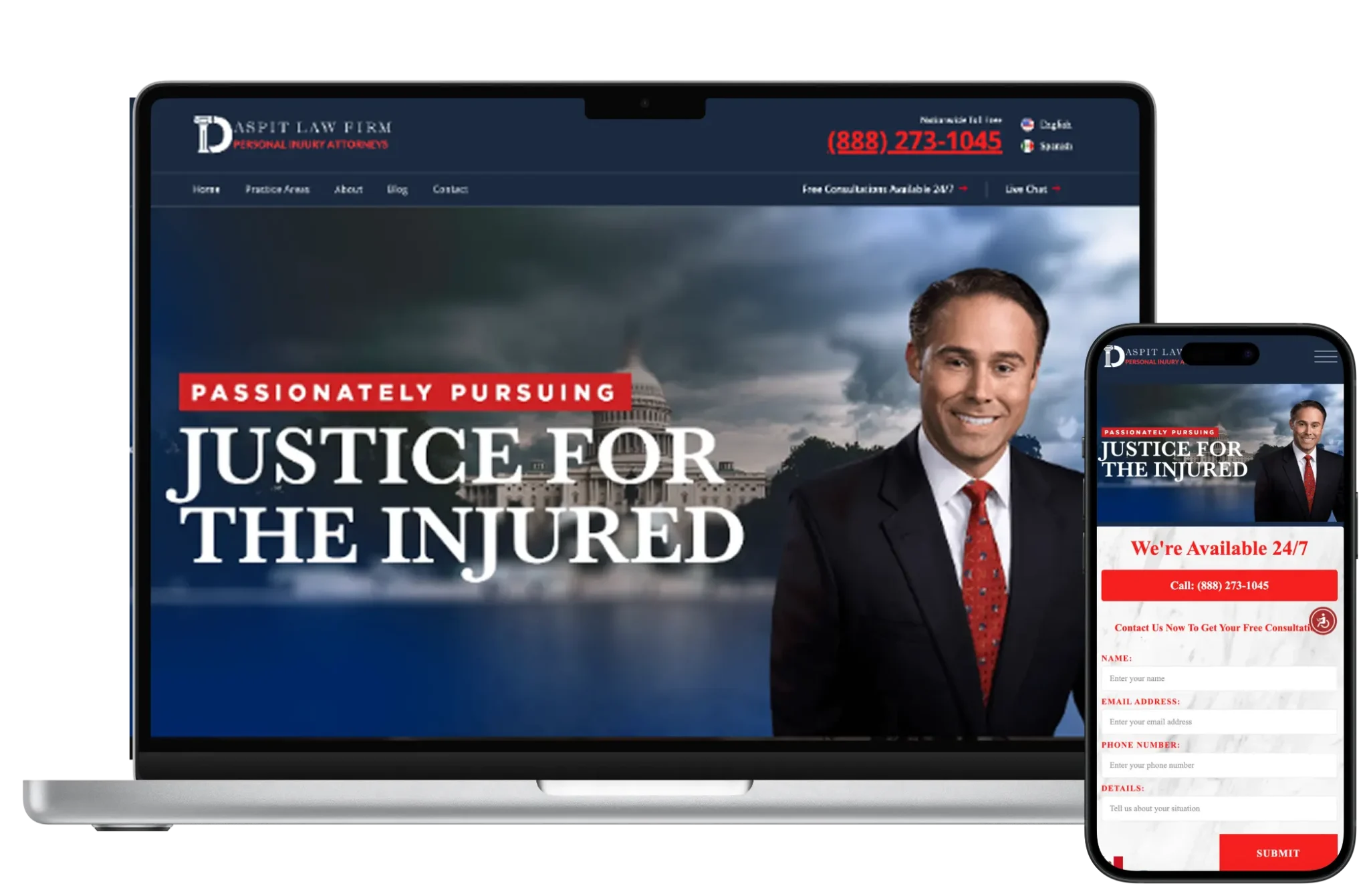
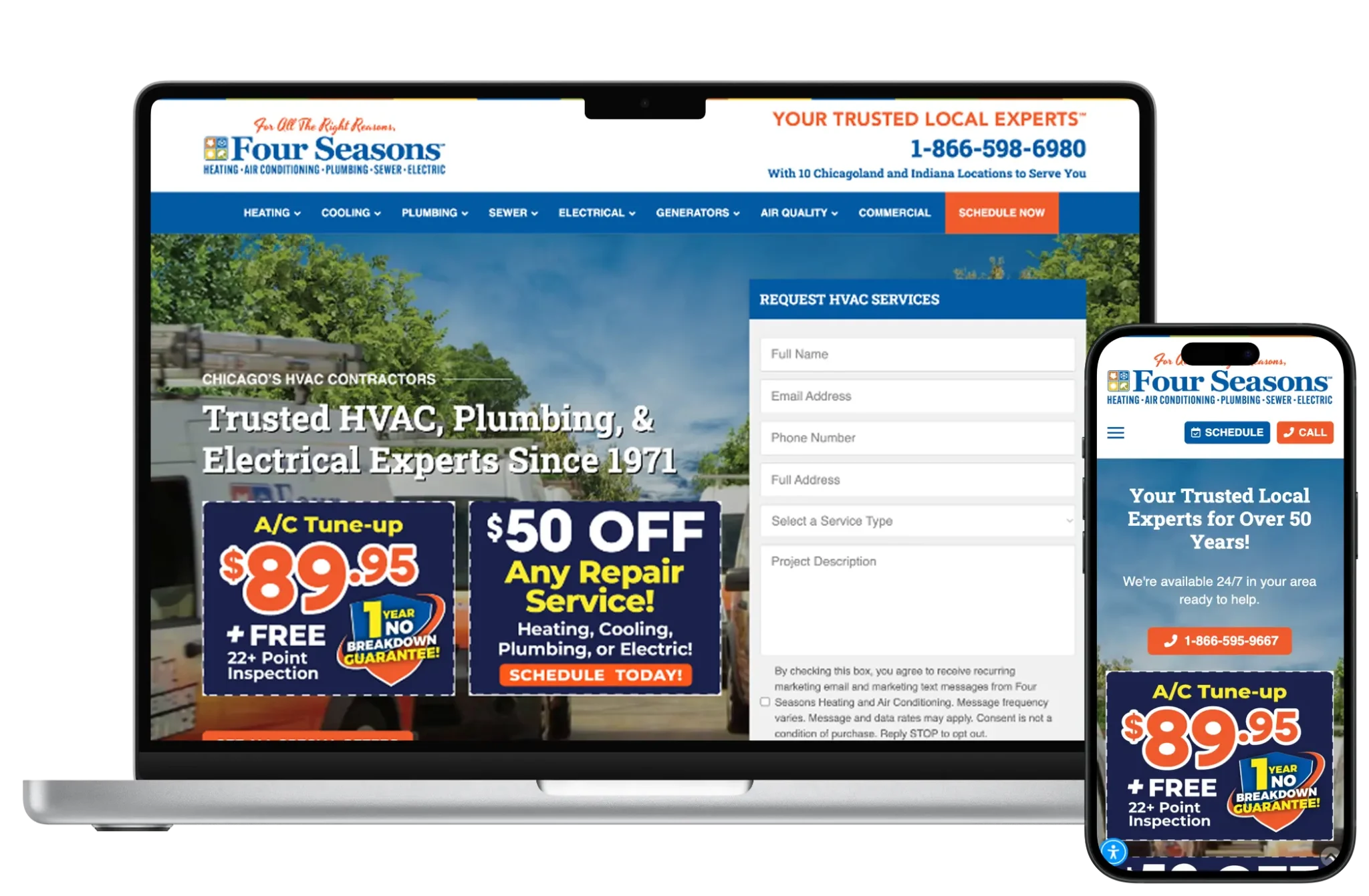
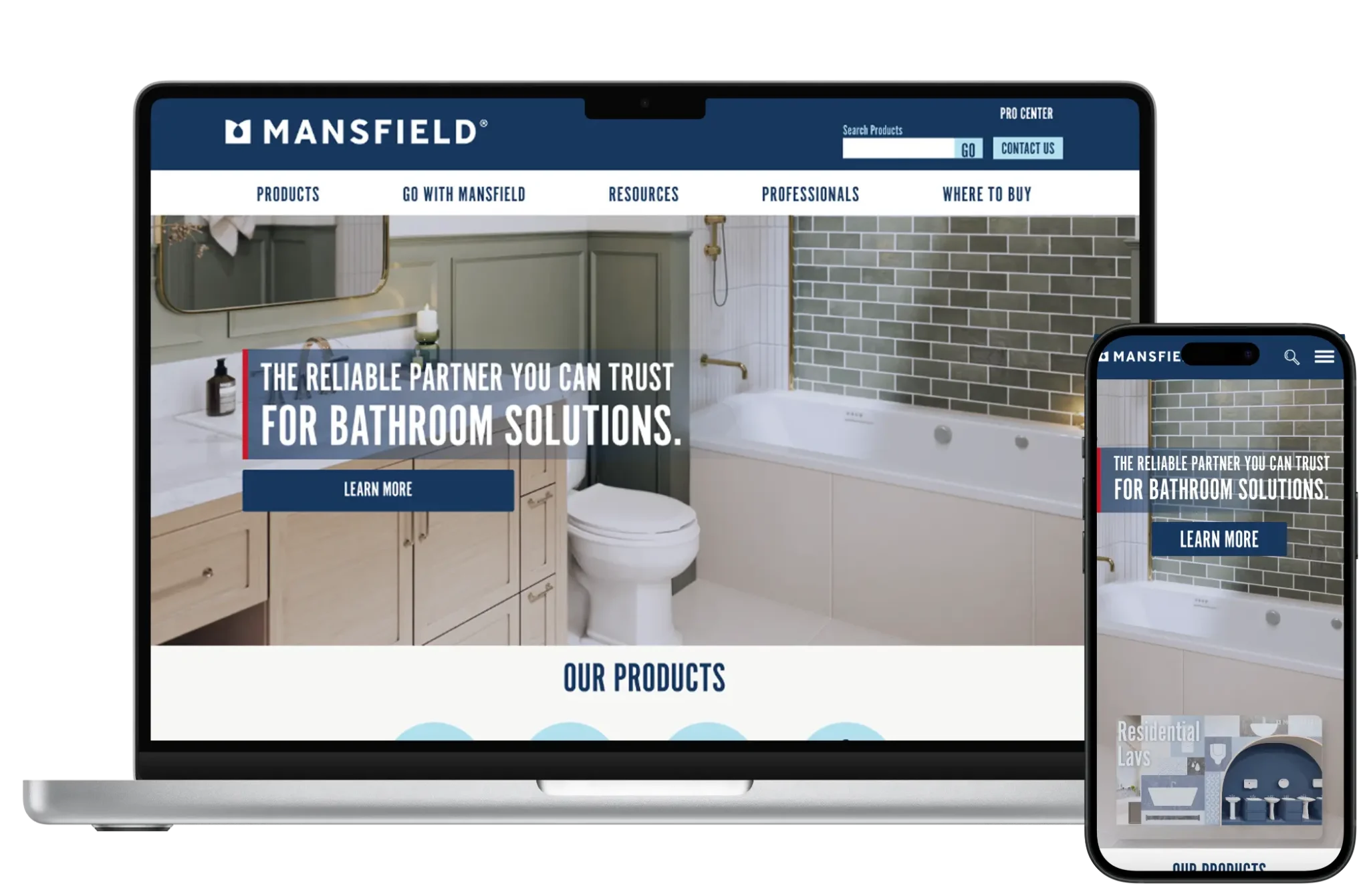
WordPress design at 66sites is a template system first: home, service, location, blog, and contact patterns that survive real copy lengths. We avoid marketplace demos that look polished until your photos and headlines land. Visual hierarchy, proof modules, and mobile CTAs are designed as reusable components editors can populate without inventing new layouts.
Compared with Webflow’s canvas culture, WordPress design succeeds when components are constrained. Compared with Shopify’s product-first templates, WordPress design centers trust and service clarity. The goal is a brand that feels intentional across dozens of pages — not a homepage hero that falls apart on the fifth service URL.

Development prefers lean custom themes or well-scoped block patterns over multipurpose theme soup. We structure ACF or block fields so marketing can publish safely, wire forms and tracking with staging QA, and keep dependencies intentional. Elementor or Bricks may appear when velocity matters; Gutenberg-first builds when performance and longevity matter more.
Technical foundations include staging, backups baseline, accessible markup, and SEO field readiness. We document what is editable versus what requires a developer so your team is not guessing after launch.
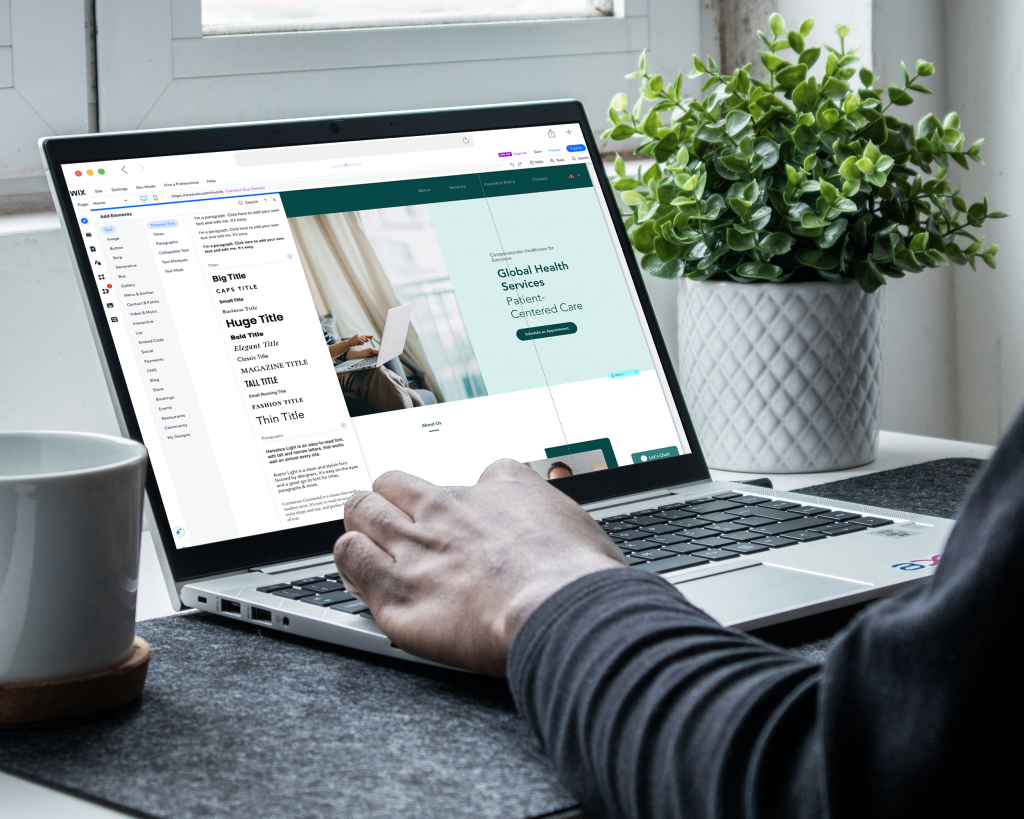
WordPress SEO works when templates expose crawlable content, logical heading order, and metadata editors actually fill in. We implement title/meta controls, XML sitemaps, and internal linking patterns between services, locations, and resources — without promising rankings.
Technical hygiene matters as much as copy: clean URL structures, indexable templates, and avoiding content trapped in tabs or image-only heroes. Plugin SEO tools help editors; they do not replace information architecture.
Ongoing SEO inside the subscription means expanding cornerstone pages, fixing cannibalization, and refreshing content as offers change — not a one-time “optimize everything” checklist at launch.

WordPress maintenance is update discipline: core, themes, and plugins tested on staging when risk warrants it, plus monitoring and backups. Content edits, form tweaks, and small template extensions ride the same monthly lane.
Sites we did not build can often move onto care after an audit. If the stack is unsafe or unmaintainable, we propose remediation or a controlled rebuild rather than pretending monthly patches will fix architectural debt.

Yearly plans that include design, development, maintenance and SEO foundations — without a large upfront project fee.
For small businesses that need a professional site without a large upfront build.
Best for local and service businesses ready to generate more leads every month.
For growing brands that need ongoing development, SEO and conversion work.
Large sites, complex integrations, multi-location brands and custom applications.
WordPress itself is free software; you still pay for hosting, premium plugins if needed, domains, and email. Those vendor costs sit beside — not inside — the 66sites subscription.
66sites covers design, development, maintenance, and SEO care on Starter ($199/year), Growth ($299/year), Pro ($399/year), or Enterprise. Setup fees apply when a full build or migration is required before monthly iteration begins.
WordPress rewards experienced judgment: what to install, what to refuse, and how to keep editors productive without sacrificing speed. A subscription agency relationship keeps that judgment available after launch — when themes update, SEO priorities shift, and marketing needs a new landing pattern.
DIY theme installs fail quietly: security drift, broken forms, and pages nobody can edit safely. 66sites exists to own those outcomes monthly, with transparent ownership of the site itself.
Full notes for challenges, strategy and supporting pages — so the sections above stay scannable.
WordPress fits service businesses, professional firms, publishers, and multi-location brands that publish regularly and need structured templates editors can update safely. If your roadmap includes dozens of service or location pages, a blog that must stay crawlable, and integrations that do not live inside an ecommerce admin, WordPress is usually the honest starting point.
It is a weaker default when your primary job is product checkout at scale (Shopify often wins), when non-technical designers need pixel-perfect visual control without developers (Webflow may fit), or when you are building an application UI rather than a marketing CMS (Next.js / Laravel territory). We map that fit in discovery before anyone commits to a theme or hosting plan.
Security on WordPress is process: least-privilege users, MFA where available, hardened hosting, malware monitoring, and prompt patching. No plugin replaces access control and backup recovery drills.
We keep admin surfaces locked down and avoid installing “security theater” plugins that conflict with caching or add more attack surface than they remove.
Performance budgets fight image weight, unused CSS/JS from builders, and chatty plugins. Caching, CDN, and lean templates matter more than another speed plugin stacked on a bloated theme.
We measure Core Web Vitals on key templates and trim dependencies before throwing hardware at the problem.
Migrations onto WordPress include content inventory, URL mapping, redirects, and post-cutover QA. Leaving Wix, Squarespace, or Webflow is common when editorial depth outgrows those ceilings.
Leaving WordPress for Shopify or a custom stack is also supported when commerce or application needs demand it — with the same redirect rigor.
Straight answers about scope, pricing, ownership and what a subscription includes for this page.
Yes for content-led marketing sites that need flexible templates and ownership. It is not automatically best for every ecommerce or app use case — fit depends on workflow and roadmap.
Only when the trade-off is intentional. Builders accelerate marketing pages but often add front-end weight. We may prefer block themes, Bricks, or custom templates when performance and longevity matter more.
That is a primary design goal. Structured fields and locked patterns reduce breakage compared with freeform page builders.
Either can work. If your host cannot support staging, modern PHP, or caching we need, we will recommend a managed option — including 66sites hosting where appropriate.
Update hygiene, least privilege, monitoring, and backups. We avoid stacking conflicting security plugins as a substitute for process.
Yes when WordPress is the right destination. Migrations include content moves, URL mapping, redirects, and QA.
No. WordPress can support strong SEO foundations, but rankings depend on relevance, competition, content quality, and technical health — not the CMS brand alone.
Plan-scoped design/dev capacity, maintenance, security and performance care, and SEO iteration. Setup fees cover initial build intensity when needed.
Get a lean, editor-friendly build with monthly maintenance and SEO — not a theme demo left to age.